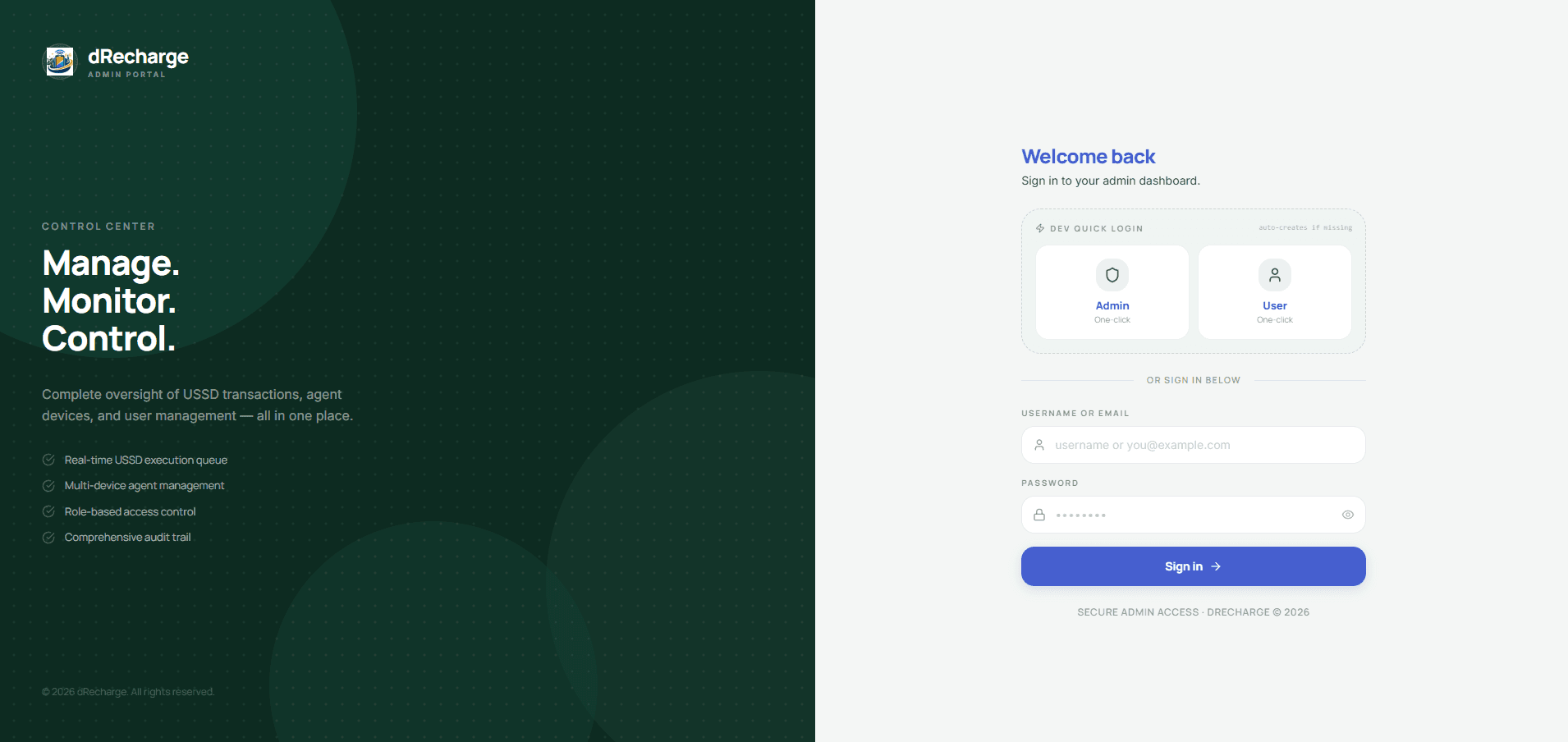
all work
FinPay BD — Admin Dashboard
A production-ready admin dashboard for the FinPay BD payment system. Built with Next.js 14, Firebase, and TypeScript.
# FinPay BD — Admin Dashboard
A production-ready admin dashboard for the FinPay BD payment system. Built with Next.js 14, Firebase, and TypeScript.
## Features
- **Role-based auth** — Google login + Email/Password, admin-only access enforced at middleware + component + Cloud Function level
- **User management** — view all users, add wallet balance, suspend/activate accounts
- **Execution queue monitor** — real-time live view of USSD job queue with job detail, force-fail with refund
- **Balance requests** — approve/reject user top-up requests with admin notes
- **USSD template manager** — visual step builder with SMS regex pattern tester for bKash, Nagad, Rocket
- **Device manager** — register and monitor Android execution agent devices
- **Audit logs** — comprehensive logging with location, device, browser info — filterable and exportable
## Quick Start
### 1. Clone and install
```bash
cd finpay-admin
npm install
```
### 2. Set up Firebase
1. Go to [Firebase Console](https://console.firebase.google.com) → Create project
2. Enable **Authentication** → Sign-in methods → Google + Email/Password
3. Create **Firestore** database (start in production mode)
4. Go to **Project Settings** → **Your apps** → Add web app → Copy config
### 3. Configure environment
```bash
cp .env.local.example .env.local
# Fill in your Firebase config values
```
### 4. Deploy Firestore rules and indexes
```bash
npm install -g firebase-tools
firebase login
firebase use --add # select your project
firebase deploy --only firestore
```
### 5. Set your admin account
After first login, set your account as admin via Firebase console:
```
Firebase Console → Authentication → Find your user → Copy UID
Firebase Console → Firestore → users/{your-uid} → Edit role field to "admin"
```
Then set the custom claim via Firebase Admin SDK or Cloud Function:
```bash
# Deploy functions first
cd functions && npm install && npm run build && cd ..
firebase deploy --only functions
```
Call `setUserRole` from the Firebase console or a script:
```javascript
// run once to make yourself admin
const admin = require('firebase-admin');
admin.auth().setCustomUserClaims('YOUR_UID', { role: 'admin' });
```
### 6. Run development server
```bash
npm run dev
# → http://localhost:3000
```
### 7. Deploy Cloud Functions
```bash
firebase deploy --only functions
```
## Project Structure
```
finpay-admin/
├── src/
│ ├── app/
│ │ ├── (auth)/login/ ← Login page
│ │ ├── (dashboard)/admin/ ← All admin pages
│ │ │ ├── layout.tsx ← Sidebar + topbar + AdminGuard
│ │ │ ├── overview/ ← Stats + live activity feed
│ │ │ ├── users/ ← User list + detail
│ │ │ ├── queue/ ← Execution queue + job detail
│ │ │ ├── balance-requests/ ← Approve/reject requests
│ │ │ ├── ussd-templates/ ← Step builder + SMS tester
│ │ │ ├── devices/ ← Android device manager
│ │ │ └── logs/ ← Audit log viewer + export
│ │ └── api/auth/session/ ← Session cookie API
│ ├── components/admin/ ← All shared UI components
│ ├── lib/
│ │ ├── firebase/ ← Client + Admin SDK setup
│ │ ├── hooks/admin/ ← All Firestore real-time hooks
│ │ ├── stores/ ← Zustand auth store
│ │ ├── functions.ts ← Cloud Function callers
│ │ ├── utils.ts ← Formatters + helpers
│ │ └── validators/ ← Zod schemas
│ ├── types/index.ts ← All TypeScript types
│ └── middleware.ts ← Route protection
├── functions/src/index.ts ← All Cloud Functions
├── firestore.rules ← Firestore security rules
├── firestore.indexes.json ← Composite query indexes
├── firebase.json ← Firebase deploy config
└── .env.local.example ← Environment template
```
## Key Architecture Decisions
### Serial USSD execution
Jobs execute one at a time via a Firestore lock (`locked: boolean`). The Android agent calls `acquireJobLock` (a Cloud Function with a Firestore transaction) before processing. This prevents race conditions even with multiple devices.
### Atomic wallet operations
All balance changes happen inside Firestore transactions — deduct + create job happen together, refund + update status happen together. You can never have money disappear without a record.
### Admin Custom Claims
Roles are stored in Firebase Custom Claims (JWT) so middleware can check role without a Firestore read on every request. Claims are synced to Firestore `users/{uid}.role` for display.
### All writes go through Cloud Functions
Client code never writes to `transactions`, `executionQueue`, `auditLogs`, or `walletBalance` directly. Firestore rules enforce this (`allow write: if false`). All mutations go through authenticated Cloud Functions.
## Adding More Providers
1. Add the provider key to the `Provider` type in `src/types/index.ts`
2. Add it to `ProviderBadge` component
3. Create the USSD template via the admin dashboard
4. The Android app will automatically pick up the new template
## Environment Variables Reference
| Variable | Where to find it |
|----------|-----------------|
| `NEXT_PUBLIC_FIREBASE_API_KEY` | Firebase Console → Project Settings → Your apps |
| `NEXT_PUBLIC_FIREBASE_AUTH_DOMAIN` | Same as above |
| `NEXT_PUBLIC_FIREBASE_PROJECT_ID` | Same as above |
| `NEXT_PUBLIC_FIREBASE_STORAGE_BUCKET` | Same as above |
| `NEXT_PUBLIC_FIREBASE_MESSAGING_SENDER_ID` | Same as above |
| `NEXT_PUBLIC_FIREBASE_APP_ID` | Same as above |
| `FIREBASE_SERVICE_ACCOUNT_KEY` | Firebase Console → Project Settings → Service Accounts → Generate new private key |
## Vibe Coding Tips
When extending this project with an AI coding agent, reference these files for context:
- `src/types/index.ts` — all data shapes
- `src/lib/hooks/admin/` — patterns for real-time data
- `src/components/admin/` — shared components to reuse
- `functions/src/index.ts` — backend logic patterns
- `admin-dashboard-prd.md` — full feature specification (in project root if included)
## Tech Stack
| Layer | Technology |
|-------|-----------|
| Framework | Next.js 14 App Router |
| Language | TypeScript |
| Styling | Tailwind CSS |
| State | Zustand |
| Backend | Firebase (Auth, Firestore, Functions) |
| Validation | Zod |
| Toasts | Sonner |
| Drag & drop | @dnd-kit (for USSD step builder) |